
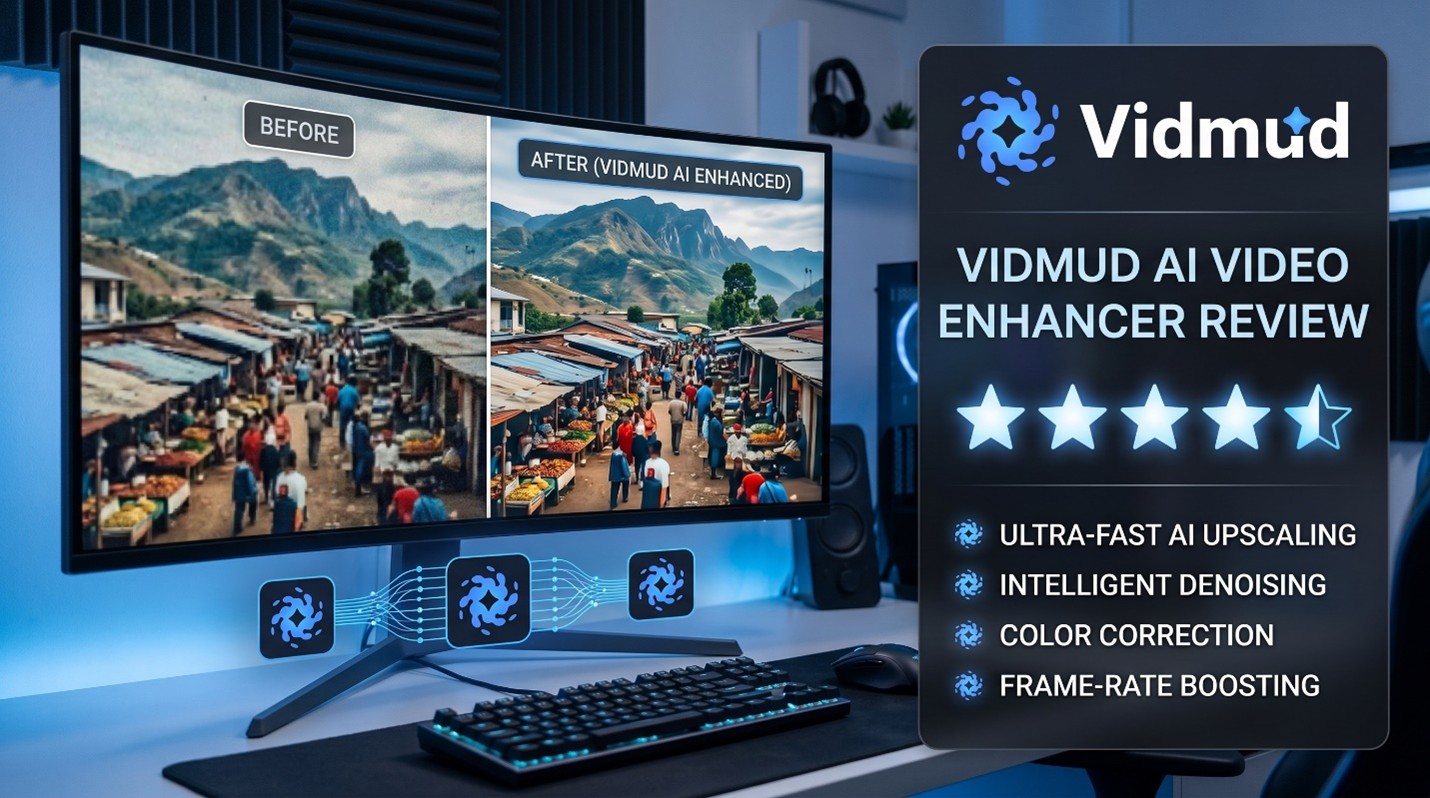
The use of AI video enhancement tools surged in 2026. More creators are looking for efficient ways to improve low-quality videos. Whether it’s blurry smartphone footage, compressed social media clips, or recordings from last year, AI video enhancement platforms now promise better clarity and cleaner results without requiring the hiring of a video editor.
One of the latest tools circulating online is the Vidmud AI Video Enhancer. It offers a simple process and values user privacy. From experience with the platform, it’s clear that Vidmud targets those who want fast video enhancement without complicated software or account sign-ups.
In this review, we explore the capabilities, speed, and real-world improvements in video quality provided by Vidmud AI Video Enhancer to see if it’s worth using.
First Impressions and Setup
In the fast-moving world of digital content creation, Vidmud Video Enhancer stands out with its quick user onboarding. Accessibility and ease of use are major features of the platform.
Unlike most AI editing sites that require users to provide an email address or pay to register, Vidmud allows direct access to the site. Its no-signup policy streamlines the workflow for casual users and beginners.
The user interface is clean and easy to navigate. Uploading a video takes just a few clicks, and the browser-based system eliminates the need for software installation. This makes it ideal for people who prefer not to download a bulky desktop application and want to edit online quickly.
Features and AI Enhancement Tools
Vidmud AI Video Enhancer focuses on automating video enhancement with AI rather than offering advanced manual video editing. The platform is designed for simplicity, not for professional timeline editing.
The AI enhancement system proved effective in tests, as low-quality clips with poor detail showed increased sharpness and reduced noise. The biggest improvements were seen in footage taken with cell phones and compressed video clips.
Like many current AI enhancers, Vidmud prioritizes automated processing over user-controlled adjustments. In 2026, several browser-based enhancers offer similar features, such as automatic brightness, sharpening, and noise reduction, making them user-friendly for those not technically inclined.
Automation benefits beginners as they do not have to navigate complicated settings. Most enhancement processes happen automatically on the platform.
Testing the Video Quality Results
The quality of the output video is the most important aspect of any AI video enhancer. Vidmud performed fairly well with standard online content and social media clips in tests.
Low-light clips improved in brightness, and compressed videos appeared clearer with enhanced details. The AI processing particularly helped with older mobile recordings.
The enhancements were not overdone, which prevented the videos from looking artificial or excessively polished, as can happen with some AI upscalers. Many online AI enhancement tools face criticism for over-processing images, especially when images are sharpened too much.
Vidmud seems to be better for moderate enhancement rather than extreme film restoration. For shorter video content like YouTube uploads, promotional videos, and personal projects, the results were noticeable but not unrealistic.
The quality of the output mainly depends on the quality of the original footage. The better the source video, the better the results.
Processing Speed and Performance
Another area where Vidmud excels is speed. The browser-based workflow runs smoothly, and processing is quick for basic AI enhancement tasks.
Tests generally completed short videos in a few minutes. Thus, the platform is convenient for those who need to edit content quickly for social media or online publication.
Today, creators prefer a quicker workflow with AI instead of spending hours on manual video editing. In 2026, reviews of other browser-based AI enhancement tools highlighted speed and automation as key features for casual users.
Vidmud focuses on efficiency rather than manual customization, aligning with this trend.
Privacy and User Security
Vidmud’s strong point is its focus on privacy.
There are often concerns about how online AI tools handle uploaded files. Vidmud emphasizes that the tool does not require registration, minimizing unnecessary data collection.
The platform also stresses No Data Saved and secure privacy management of uploaded content. Based on reports about Vidmud’s editing platform, uploaded media is not kept long-term, offering more control over personal files.
This creates a more trustworthy experience for those editing their own footage or personal videos, especially compared to platforms that rely on accounts and cloud storage.
Final Verdict
Vidmud AI Video Enhancer provides a user-friendly AI video editing experience for those looking for quick online video enhancement without complications.
Convenience and privacy rank among its key advantages. The platform also features No Signup, free access, No Data Saved processing, and secure privacy handling, making it more user-friendly than many other AI options.
Vidmud is suitable for social media videos, casual video production, and daily editing. However, some advanced desktop video editing software may still be preferred for detailed video projects.
Vidmud is worth trying for anyone seeking a beginner-friendly AI video enhancer that offers speed, ease of use, and privacy.