
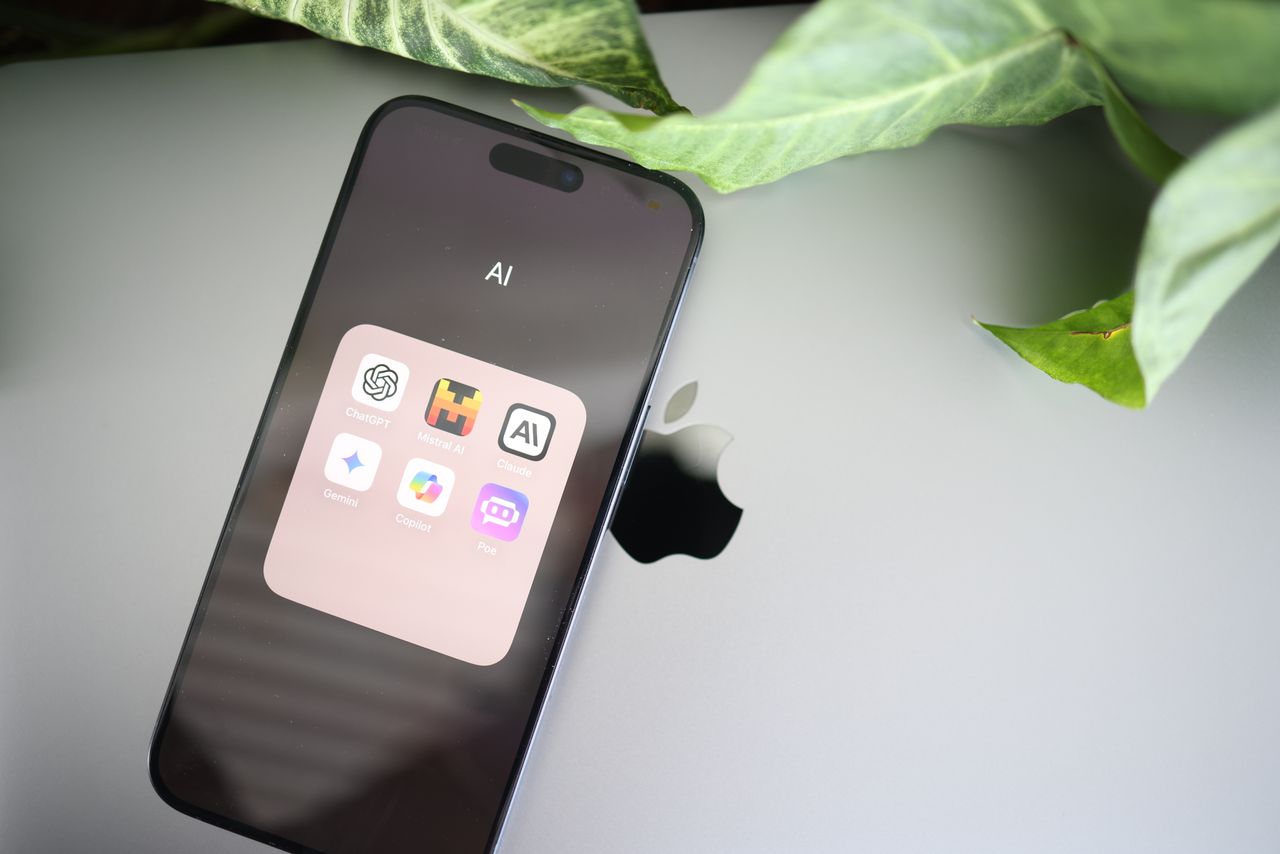
Not long ago, high-quality AI image generation felt locked behind expensive subscriptions. Free versions were often limited to small, blurry images, a single style and a handful of generations. That has changed. Today, many platforms let you start without paying and still give you access to serious creative tools: multiple models, editing, high resolution and flexible formats.
If you want strong creative features before committing to a paid plan, these platforms are worth exploring.
Why Free Access to AI Image Platforms Matters
Free access isn’t just about saving money. It lets you:
- Test whether a tool fits your style before subscribing
- Learn prompt writing without pressure
- Compare different models and approaches
- Create real content for social media, blogs and small projects
- Decide which features you actually need
For students, hobbyists, freelancers and small businesses, a capable free starting point can make the difference between experimenting with AI and actually using it.
1. Animx
The Animx AI image generator turns simple text prompts and your own photos into high-quality visuals in seconds, using several of the strongest image models in one workspace. Instead of being tied to a single engine, you can try the same prompt with Google’s Nano Banana Pro, Black Forest Labs’ Flux 2 Max, ByteDance’s Seedream and OpenAI’s GPT Image, then compare the results side by side.
New accounts receive free credits on sign-up with no card required, which is enough to explore the image models and see what each does best. The credit cost of each generation is shown before you click generate.
What makes it powerful:
- Multiple leading models in one place
- Real-photo editing: change backgrounds, clothing, objects and lighting while keeping the original composition
- Up to 10 reference images with Seedream for consistent characters, products and styles
- Readable on-image text with GPT Image for posters and social graphics
- Flexible formats: square, 9:16, 16:9, 3:4 and 4:3
- High resolution: up to 4K with Nano Banana Pro
- Image to video: click Animate to turn any image into a short clip
It works well for social media visuals, product mockups, thumbnails, marketing concepts and character art.
What “Powerful Features” Really Means
Before comparing platforms, it helps to know which features actually make a difference.
Advanced Prompt Control
The best tools follow detailed instructions about subject, composition, lighting and mood, rather than producing a generic interpretation.
Multiple Artistic Styles
Photorealism, illustration, anime, watercolor, 3D and graphic design styles should all be possible, ideally without fighting the tool.
Image Editing Tools
Being able to edit an image, rather than regenerate it from scratch, saves time. Background swaps, object removal and lighting changes are especially useful.
Reference Images and Consistency
Uploading reference images keeps characters, products and brand styles consistent across a series.
Resolution and Quality
High-resolution output matters for print, large screens and professional use.
Model Flexibility
Different models have different strengths. Access to several gives you more creative range.
2. Stable Diffusion
Stable Diffusion is an open model family that can be run locally or through various online interfaces. Its biggest strengths are openness and customization: community models, extensions and tools like ControlNet give experienced users deep control. The trade-off is complexity, since local setups require capable hardware and some technical knowledge.
Best for: power users who want full control and customization.
3. Leonardo AI
Leonardo AI combines professional-style tools with an approachable interface. It offers multiple models, style presets and a canvas editor for inpainting and outpainting, and it has long been popular with game developers and concept artists. Free access has typically come with a daily allowance of generation tokens.
Best for: game art, concept work and stylized brand visuals.
4. Bing Image Creator
Microsoft’s Bing Image Creator offers a simple, beginner-friendly way to generate images from text with a Microsoft account. It’s quick to use and good at interpreting everyday prompts, though it offers fewer advanced editing and control features than dedicated creative platforms.
Best for: beginners and quick, casual image generation.
5. NightCafe
NightCafe focuses on exploration and community. It offers a range of styles and models, along with challenges and galleries where users share their work. It’s a fun place to experiment and find inspiration.
Best for: hobbyists and creators who enjoy a community around their art.
6. Adobe Firefly
Adobe Firefly is available with a free tier through an Adobe account, typically with a limited number of monthly credits. It integrates with Photoshop and other Creative Cloud apps, and Adobe positions it with commercial workflows in mind.
Best for: designers already working in Adobe’s ecosystem.
Why Many Creators Prefer Feature-Rich Platforms
Creators increasingly prefer platforms that combine generation with editing, references and multiple models. These features reduce the number of tools needed, keep results consistent and make it easier to move from an idea to a finished visual. A platform that also turns images into video, as Animx does with its Animate button, saves even more steps for social media creators.
How Creators Use These Platforms
Content Creation
Blog headers, YouTube thumbnails, Pinterest pins and Instagram posts.
Concept Design
Mood boards, character designs, environments and early product ideas.
Social Media Branding
Consistent visual styles, profile pictures, banners and recurring characters.
Product and Marketing Concepts
Product mockups, lifestyle scenes, ad concepts and seasonal campaign visuals.
What to Look for When Choosing a Platform
If you want variety
Choose a multi-model platform so you can compare different engines.
If you want control
Look for reference images, editing tools and detailed prompt support.
If you want simplicity
Choose a clean interface with plain-language prompts and quick results.
If you need commercial use
Check the license. On Animx, paid plans include commercial rights; free tiers on other platforms may have restrictions.
Tips for Getting Better Results
Use Detailed Prompts
Describe the subject, setting, lighting, colors and mood. Specific prompts produce specific results.
Use Style Descriptors
Words like “watercolor,” “cinematic,” “flat illustration” or “studio product photo” guide the overall look.
Iterate
Generate several versions, compare them and refine the best one with editing tools instead of starting over.
Free Doesn’t Mean Weak
Free access today often includes features that once required expensive software. The key is choosing a platform whose free starting point lets you genuinely test what it can do, rather than a stripped-down demo. Free tiers and credit allowances change frequently, so always check the current details on each platform.
The Future of Free AI Image Tools
As models improve and competition grows, more platforms are likely to offer generous ways to start, combining generation, editing and even video in one place. Multi-model workspaces are a clear sign of where things are heading: instead of choosing one engine forever, creators will pick the best model for each task.
Final Thoughts
Powerful AI image creation is no longer limited to people with expensive tools. Whether you value control, speed, variety or experimentation, there’s a platform that lets you start without paying. For creators who want several leading models, photo editing, consistent references and a path from image to video in one workspace, Animx is an excellent place to begin, with free credits to explore what it can do.