
Protecting your online privacy has become increasingly important in today’s digital world. Every time you browse the internet, stream movies, shop online, or connect to public Wi-Fi, your personal information can potentially be exposed to advertisers, internet service providers, hackers, and other third parties. A reliable Virtual Private Network (VPN) helps solve these problems by encrypting your internet traffic and masking your real IP address.
Among the many VPN providers available today, Surfshark has quickly established itself as one of the most popular choices. It combines strong security features, impressive speeds, an intuitive interface, and one standout benefit that many competitors don’t offer—unlimited simultaneous device connections with a single subscription.
Whether you’re securing your smartphone, laptop, gaming console, smart TV, or an entire household of connected devices, Surfshark aims to deliver premium protection without the premium price tag. Over the years, the company has continued expanding its feature set while maintaining competitive pricing, making it an attractive option for both beginners and experienced users.
In this comprehensive review, we’ll explore Surfshark’s security, performance, streaming capabilities, gaming experience, pricing, customer support, advantages, drawbacks, and overall value to determine whether it remains one of the best VPN services available in 2026.
What Is Surfshark?
Surfshark is a premium VPN service that creates an encrypted tunnel between your device and the internet. Instead of exposing your real IP address and browsing activity, the VPN routes your internet traffic through secure servers located around the world.
This process helps protect your personal information while improving online privacy. Websites, advertisers, hackers, and internet service providers have a much harder time tracking your activities because your actual location remains hidden behind the VPN server.
Since launching, Surfshark has grown beyond being just a traditional VPN provider. The company now offers additional privacy and cybersecurity tools such as antivirus protection, identity monitoring, private search capabilities, and data breach alerts, creating a more complete digital security ecosystem.
Its combination of affordability, modern features, and ease of use has made Surfshark one of the fastest-growing names in the VPN industry.
Why Surfshark Has Become So Popular
Surfshark’s popularity isn’t based on a single feature. Instead, it offers a well-balanced package that appeals to a wide variety of users.
One of its biggest advantages is unlimited device support. Unlike many VPN providers that restrict the number of simultaneous connections, Surfshark allows users to protect as many devices as they own under a single subscription.
This makes it an excellent choice for large families, households with multiple smartphones, tablets, laptops, gaming consoles, and smart TVs, or professionals who regularly switch between several devices throughout the day.
Another reason for Surfshark’s success is its ability to combine premium-level security with competitive pricing. Users receive many advanced privacy features without paying the high subscription costs associated with some competing VPN services.
Installation and Device Compatibility
Getting started with Surfshark is simple, even for users who have never used a VPN before.
The provider offers dedicated applications for nearly every major operating system and device, allowing users to install the VPN within minutes.
Supported platforms include:
- Windows
- macOS
- Linux
- Android
- iPhone and iPad
- Smart TVs
- Apple TV
- Android TV
- Routers
- Chrome, Firefox, and Edge browser extensions
The interface remains consistent across different platforms, making it easy to move from one device to another without learning a completely different application.
Once installed, users can connect to the fastest available server with just one click or manually select a preferred location from the extensive server list.
User Interface and Ease of Use
One of Surfshark’s strongest qualities is its clean, modern interface.
Unlike VPN applications filled with technical settings, Surfshark focuses on simplicity while still offering advanced features for users who want additional control.
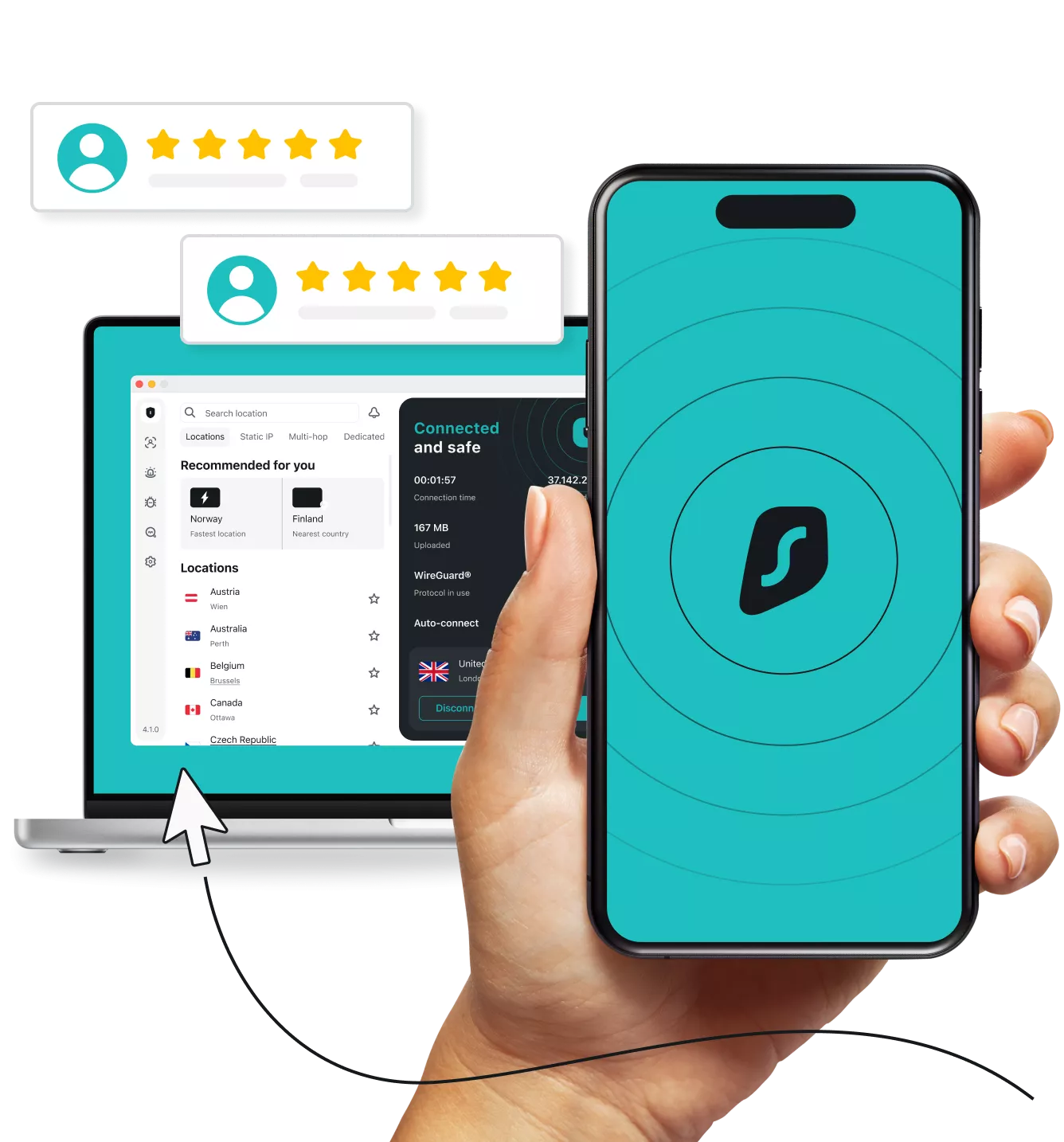
The dashboard clearly displays connection status, server selection, favorite locations, and security features in an organized layout.
Even first-time VPN users can quickly understand how the application works.
For advanced users, optional settings such as protocol selection, split tunneling, automatic connection rules, and custom DNS options are easily accessible without cluttering the main interface.
This balanced approach makes Surfshark suitable for both beginners and experienced VPN users.
Security Features
Security remains one of Surfshark’s biggest strengths.
The company combines modern encryption technologies with several advanced privacy tools designed to protect users against cyber threats and online tracking.
AES-256 Encryption
Surfshark protects internet traffic using AES-256 encryption, one of the most trusted encryption standards available today.
This military-grade encryption secures sensitive information including:
- Banking sessions
- Passwords
- Emails
- Business communications
- Online shopping
- Personal browsing data
Even when connected to unsecured public Wi-Fi networks, your information remains protected through encrypted communication.
WireGuard Protocol
Surfshark supports several VPN protocols, with WireGuard serving as the recommended option for most users.
WireGuard provides:
- Faster connection speeds
- Lower latency
- Improved stability
- Strong security
Users who prioritize performance while maintaining excellent encryption often prefer WireGuard over older VPN protocols.
Kill Switch
Unexpected VPN disconnections can expose your real IP address if not handled properly.
Surfshark includes a Kill Switch feature that immediately blocks internet traffic whenever the VPN connection is interrupted.
This prevents accidental data exposure until the secure VPN tunnel is restored.
For users who value continuous privacy, this feature provides an important layer of protection.
CleanWeb
Surfshark includes its own built-in security feature called CleanWeb.
CleanWeb helps block:
- Advertisements
- Online trackers
- Malicious websites
- Phishing attempts
Besides improving privacy, this feature often results in faster page loading and a cleaner browsing experience by reducing unwanted content.
MultiHop
For users seeking additional anonymity, Surfshark offers MultiHop connections.
Instead of routing internet traffic through a single VPN server, MultiHop passes encrypted traffic through two separate VPN servers before reaching its destination.
This creates another layer of privacy by making user activity significantly harder to trace.
Although this may slightly reduce connection speed, it provides enhanced protection for privacy-conscious individuals.
NoBorders Mode
One unique feature offered by Surfshark is NoBorders Mode.
This mode is designed to help users connect in environments where internet restrictions are more aggressive.
When enabled, Surfshark automatically identifies restrictive network conditions and suggests servers optimized for reliable VPN connectivity.
This can be especially useful for travelers or users connecting from highly restricted networks.
Camouflage Mode
Surfshark also offers Camouflage Mode, which helps disguise VPN traffic so that it appears like normal internet traffic.
This additional privacy layer makes it more difficult for network operators or internet providers to determine that a VPN is being used.
For users who prioritize discretion, this feature provides valuable flexibility.
Privacy Policy
Privacy is one of Surfshark’s primary selling points.
The company follows a strict no-logs policy, meaning it does not store users’ browsing history, connection activity, IP addresses, or online behavior in a way that can identify individual users.
This privacy-focused approach allows subscribers to browse with greater confidence, knowing their online activities are not being recorded for future reference.
Combined with strong encryption, RAM-only server infrastructure, and regular security improvements, Surfshark provides a trustworthy environment for users who value digital privacy.
Speed and Overall Performance
A VPN should enhance online security without making everyday internet use feel slow, and Surfshark performs very well in this regard.
Its implementation of the WireGuard protocol allows users to enjoy fast download speeds, responsive browsing, and stable connections across a wide range of activities. Whether you’re streaming high-resolution videos, joining virtual meetings, downloading large files, or browsing multiple websites at once, Surfshark maintains smooth and consistent performance.
The provider’s global server infrastructure helps distribute traffic efficiently, minimizing congestion and improving reliability during busy periods. Nearby servers typically deliver excellent speeds, while long-distance connections remain stable enough for most everyday tasks.
In practical use, websites load quickly, cloud storage synchronization is responsive, and large downloads complete without significant interruptions. Users with high-speed broadband or fiber connections generally experience only a modest reduction in speed compared to browsing without a VPN.
Surfshark strikes an excellent balance between strong encryption and real-world performance, making it a dependable choice for users who want privacy without sacrificing speed.