
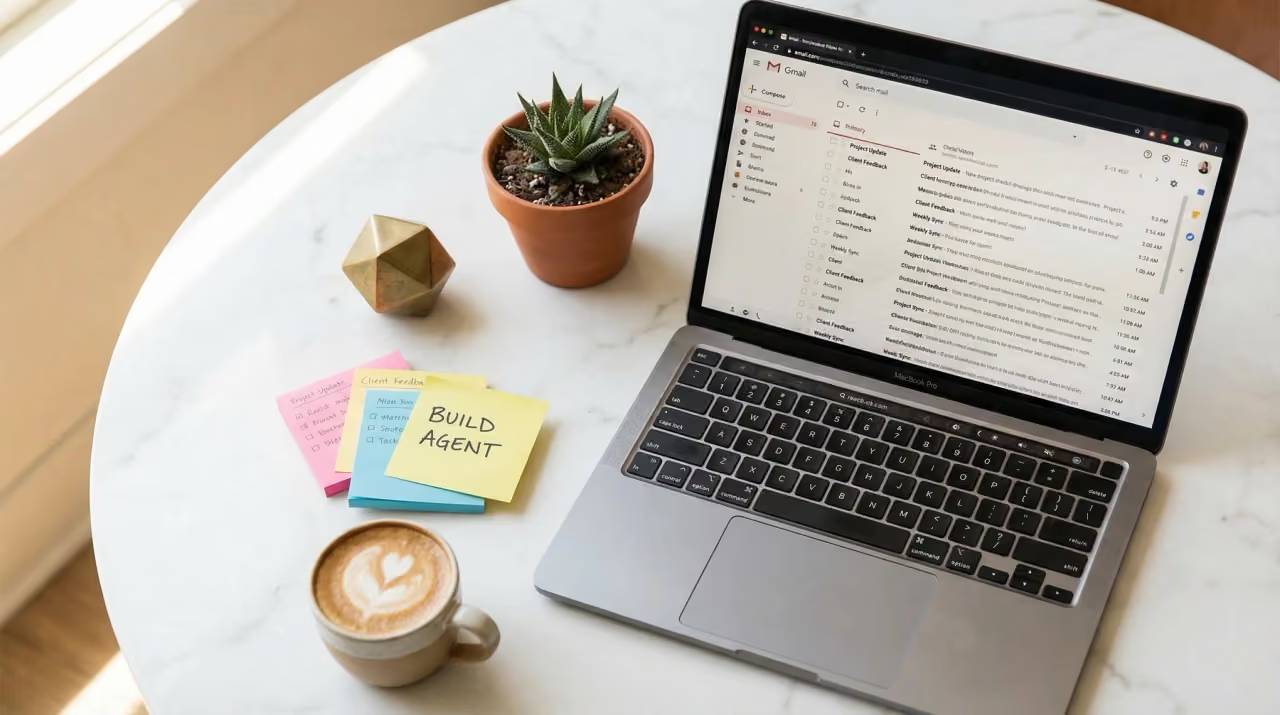
Most professionals managing high email volume in Gmail are not looking for another productivity hack. They are looking for something that works consistently, reduces the time spent on low-value communication tasks, and does not introduce new problems in the process. The inbox is not just a communication tool — it is often where decisions get delayed, client relationships stall, and follow-ups fall through the cracks. When email volume scales beyond what a person can reasonably process, the operational cost becomes real and measurable.
AI-assisted email tools have been available in various forms for years, but many early versions were either too simplistic to handle professional tone requirements or too aggressive in their automation, creating errors that required more cleanup than the original task. What has changed recently is the quality of language models integrated directly into Gmail workflows, and the availability of tools that can be configured to match specific communication styles without replacing human judgment entirely.
This guide covers how professionals across industries — legal, consulting, logistics, healthcare administration, and sales operations — have integrated AI email assistants into their Gmail workflow, what setup decisions matter most, and where the common failure points are.
What an AI Email Assistant for Gmail Actually Does in Practice
An ai email assistant for gmail is not a chatbot and it is not a fully autonomous email writer. In practice, it sits within the Gmail interface and handles a defined set of tasks: drafting replies based on context from the incoming message, summarizing long email threads, suggesting responses that match a preferred tone, and organizing or categorizing messages based on content patterns. The scope of what it can handle depends on how it is configured and what permissions are granted during setup.
For professionals who tested these tools over extended periods, the value was not in automation alone. It was in the reduction of cognitive load on repetitive, structured communication — the kind of email that does not require creative thinking but still demands accuracy and professional tone. Responding to scheduling requests, acknowledging receipt of documents, following up on outstanding items, or summarizing meeting outcomes in writing: these are tasks where an ai email assistant for gmail performs reliably once calibrated to a user’s style and common use cases.
For those evaluating available options, the Ai Email Assistant For Gmail guide provides a practical breakdown of how these tools function within a real Gmail environment, including what the setup process looks like and what access permissions are required.
The Difference Between Suggestion-Based and Autonomous Modes
Most tools operate in one of two modes: they either suggest a draft that the user reviews and sends, or they take defined actions automatically without requiring approval each time. Both modes have appropriate applications, but the distinction matters significantly for professional environments where tone, accuracy, and accountability are important.
Suggestion-based mode keeps the user in control of every message. The assistant generates a draft, the user reviews and edits, and the message goes out under human review. This is the appropriate starting point for most professional contexts, particularly when email communication represents the organization externally — to clients, partners, or regulatory contacts. The tool reduces writing effort without removing oversight.
Autonomous mode, where the assistant sends responses without individual approval, is only appropriate for highly structured, low-risk communication. Internal scheduling confirmations, automated acknowledgment messages, or routine status updates are examples where autonomous mode may be reasonable. Applying it broadly without careful configuration is where most professionals encounter problems — messages going out with incorrect context, tone mismatches, or missing information that the sender assumed would be caught before delivery.
The Setup Process and Why Configuration Decisions Matter Early
Setting up an ai email assistant for gmail involves more than installing a browser extension or connecting an application through Google Workspace. The configuration decisions made during setup determine how useful the tool is in real use and how much correction will be required later. Professionals who reported poor early experiences with these tools typically made one of two mistakes: they accepted default settings without customization, or they granted full automation permissions before testing in a lower-stakes environment.
The initial setup generally involves connecting the assistant to a Gmail account through OAuth permissions, which allow the tool to read incoming messages, access thread history, and in some configurations, compose and send on behalf of the user. Understanding exactly what access is being granted is not optional — it is a basic security and compliance consideration, particularly for professionals who handle sensitive client information. Google’s own documentation on OAuth scopes, available through its developer platform, outlines the levels of access that third-party applications can request, which helps users evaluate whether a given tool’s permission request is appropriate for their use case.
Tone and Style Calibration
One of the most commonly underestimated steps in setup is tone calibration. Most ai email assistant for gmail tools allow users to define preferred communication tone — formal, concise, conversational — and some allow users to upload or paste examples of their past email writing so the model can match phrasing patterns. Skipping this step results in a tool that writes in a generic, neutral voice that may not fit the user’s established professional relationships.
For senior professionals or those in client-facing roles, tone consistency is not a minor consideration. A client who has been receiving carefully worded, measured correspondence for two years will notice if the quality or voice suddenly shifts. Calibration does not need to be complex — even defining a small set of preferences, such as preferred greetings, response length, and level of formality, meaningfully improves output quality from the beginning.
Integration with Labels, Filters, and Priority Settings
Gmail’s native organizational tools — labels, filters, and priority inbox settings — work alongside an ai email assistant for gmail rather than being replaced by it. Setting up the assistant to recognize label categories and adjust behavior accordingly is a practical way to prevent the tool from treating all email uniformly. A message flagged as high priority from a key client warrants a different handling approach than a bulk vendor notification, and the assistant should reflect that distinction in how it drafts or categorizes responses.
Professionals in logistics and operations environments reported that aligning the assistant’s behavior with their existing label structure reduced the need to re-sort or re-categorize AI-generated drafts. The setup investment paid off within the first week of use when the assistant began routing draft responses to the correct folders and matching urgency levels appropriately.
Where AI Email Assistants Perform Well and Where They Fall Short
An ai email assistant for gmail performs consistently well on tasks that are structurally predictable. When an incoming message follows a recognizable pattern — a request for a meeting, a follow-up on a deliverable, a question about process — the assistant can produce a solid draft quickly. It processes the content of the incoming message, matches it against the user’s defined preferences, and returns a response that covers the relevant points without requiring the user to start from scratch.
Where these tools fall short is in nuanced situations that require judgment about context beyond the email itself. A message that references a prior conversation in a phone call, or one where the subtext is more significant than the literal words, is not something the assistant can handle well without additional input. Professionals who tested these tools across extended periods were consistent on this point: the tool is a drafting aid, not a decision-maker. When the communication requires understanding organizational dynamics, relationship history, or sensitive context, the human remains responsible for the substance of the message.
Common Failure Points in Real-World Use
The most common failure point reported by professionals was over-reliance on the assistant during high-pressure periods. When email volume spikes — during a product launch, a contract negotiation cycle, or a compliance deadline — there is a temptation to approve drafts too quickly without reviewing them. Errors that would have been caught in a lower-pressure moment get sent, and correcting a poorly worded professional email after the fact carries a cost that the assistant cannot recover.
A second failure point is mishandling of thread context. In long email threads with multiple participants, the assistant may not correctly identify the most recent relevant question or request, particularly if the thread has shifted topics over time. Some tools handle this better than others, and testing this specifically during evaluation — using real, complex threads rather than simple test messages — is a practical way to assess whether the tool is appropriate for a given workflow.
What Professionals Should Evaluate Before Committing to a Tool
Before settling on a specific ai email assistant for gmail, professionals should evaluate a few practical criteria that are not always prominent in product descriptions. Data handling practices matter — specifically, whether the tool stores email content on external servers, how long that data is retained, and whether it is used to train shared models. For anyone operating in a regulated industry, this is a compliance question, not a preference question.
Response to edge cases is also worth evaluating. A tool that handles routine messages well but produces unusable output on atypical requests adds a different kind of workload — the user must identify which messages fall outside the tool’s reliable range and handle those separately. Understanding where the boundaries of reliable performance are helps users build a realistic workflow rather than discovering gaps at inconvenient moments.
- Evaluate data storage and retention policies before granting full inbox access, particularly for client-facing or regulated communication environments.
- Test the tool on real email threads from your actual work context, not simplified demo scenarios, to identify where its output quality is reliable.
- Start with suggestion-based mode for at least the first month to build an accurate picture of output quality before considering any automation.
- Align the assistant’s behavior with your existing Gmail label and filter structure to reduce the organizational overhead of reviewing drafts.
- Revisit tone and style calibration settings after the first few weeks, when you have enough actual output to identify where the defaults are not working for your context.
Closing Thoughts
An ai email assistant for gmail is a practical tool when it is set up with realistic expectations and used within the scope it handles well. The professionals who reported the most consistent value from these tools were not those who automated the most — they were those who identified the specific category of communication that consumed disproportionate time, calibrated the tool to handle that category reliably, and maintained review habits that prevented errors from reaching recipients.
The setup process is not complex, but the configuration decisions made early determine whether the tool integrates cleanly or creates an additional layer of work. Starting with suggestion-based mode, investing time in tone calibration, and aligning the tool with existing Gmail organizational structures are the three steps that most consistently separate useful implementations from ones that get abandoned after a few weeks.
For most professional contexts, the goal is not to remove the human from email communication. The goal is to reduce the portion of email time spent on low-complexity, high-repetition tasks so that attention is available for the communication that genuinely requires it. When an ai email assistant for gmail is configured with that goal in mind, the outcome is measurable and sustainable.