
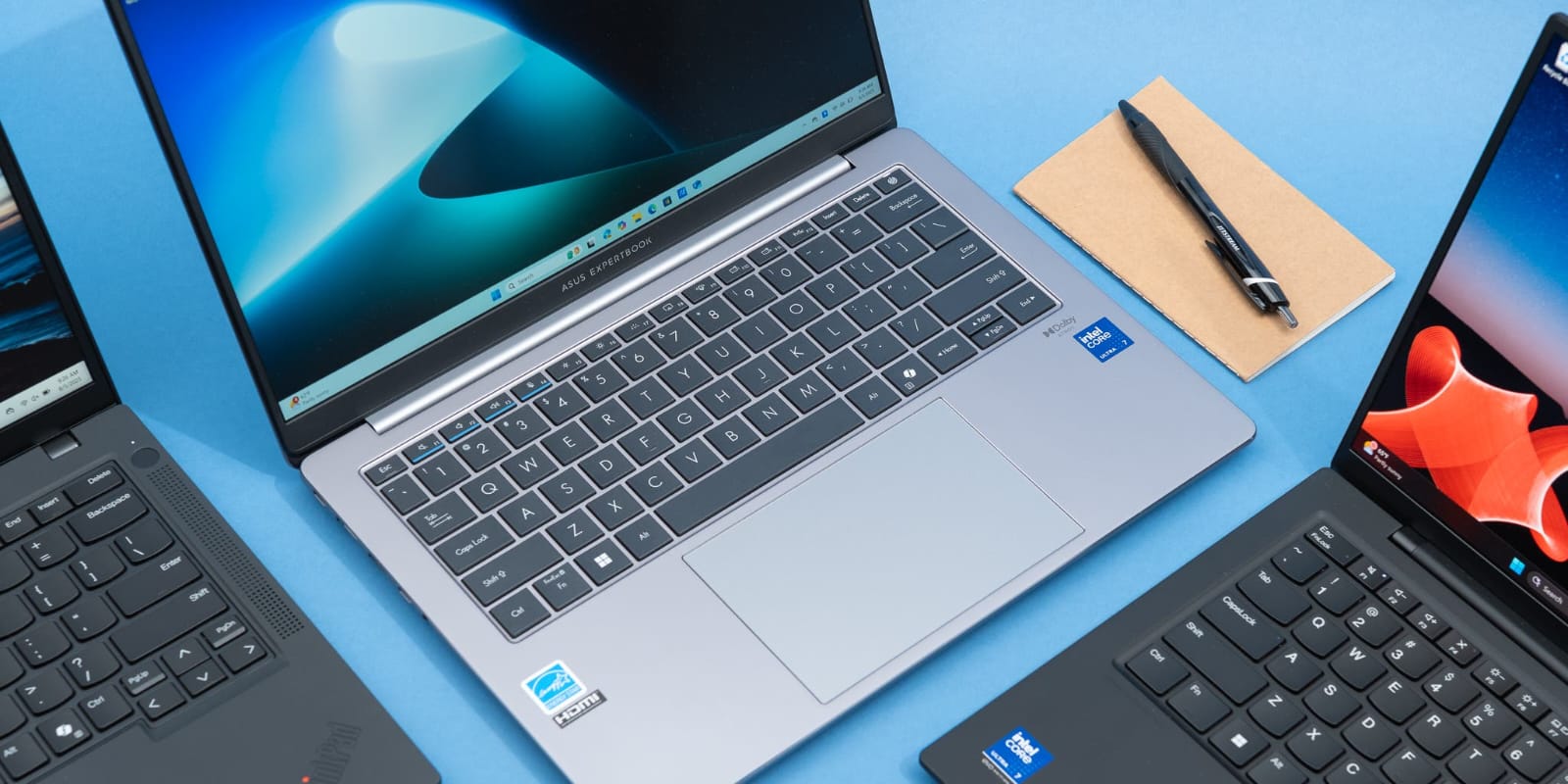
Selecting the right laptop for business and professional work is one of the most important technology decisions for individuals and organizations today. A laptop is no longer just a device for basic computing tasks; it has become a core productivity tool that directly impacts efficiency, communication, and performance.
With countless models, specifications, and price ranges available in the market, choosing the right device can feel overwhelming. However, by understanding key factors such as performance, durability, battery life, security, and usability, professionals can make a smart investment that supports long-term productivity.
Understanding Business Laptop Requirements
Business laptops are different from regular consumer laptops. While consumer devices are often designed for entertainment and casual use, business laptops are built to handle demanding workloads, multitasking, and long working hours.
Professionals typically require laptops for tasks such as:
– Office productivity (documents, spreadsheets, presentations)
– Video conferencing and communication
– Data analysis and reporting
– Software development or design work
– Cloud-based applications and remote access
Because of these requirements, performance and reliability become critical factors in the selection process.
Processor Performance Matters
The processor (CPU) is the brain of the laptop and plays a major role in determining overall performance. A strong processor ensures smooth multitasking and faster execution of applications.
For business use, modern Intel Core i5, i7, or AMD Ryzen 5 and Ryzen 7 processors are commonly recommended. These processors can handle multiple applications simultaneously without slowing down the system.
Professionals who work with large datasets, design software, or development tools may benefit from higher-end processors that provide additional speed and efficiency.
RAM and Multitasking Capability
Random Access Memory (RAM) is another essential component that affects system performance. RAM allows a laptop to run multiple applications at the same time without lag.
For most business users, 8GB RAM is the minimum requirement, while 16GB RAM is ideal for smoother multitasking and future-proof performance. Users working with heavy applications such as video editing software or virtual machines may require even more memory.
Insufficient RAM often leads to system slowdowns, making it difficult to maintain productivity during important tasks.
Storage Type and Speed
Storage plays a crucial role in how quickly a laptop starts up, loads applications, and transfers files. Modern business laptops typically use Solid State Drives (SSD) instead of traditional Hard Disk Drives (HDD).
SSDs are significantly faster, more reliable, and more durable compared to HDDs. They also improve overall system responsiveness.
A minimum of 256GB SSD storage is recommended for business use, while 512GB or higher is ideal for professionals handling large files or multiple projects.
Battery Life for Mobility
One of the key advantages of laptops is portability. For professionals who travel frequently or work remotely, battery life becomes a major consideration.
A good business laptop should offer at least 6 to 10 hours of battery life on a single charge. Efficient power management ensures uninterrupted work during meetings, travel, or fieldwork.
Long battery life reduces dependency on charging points and enhances productivity in mobile work environments.
Display Quality and Comfort
Since professionals spend long hours in front of screens, display quality plays an important role in reducing eye strain and improving user experience.
Key display features to consider include:
– Full HD (1920×1080) resolution or higher
– Anti-glare coating
– IPS panel for better viewing angles
– Adequate screen brightness
A comfortable display improves focus and reduces fatigue during extended work sessions.
Build Quality and Durability
Business laptops should be durable enough to withstand daily usage, transportation, and occasional physical stress. A strong build ensures long-term reliability and reduces maintenance costs.
Metal or reinforced plastic chassis are commonly preferred for professional devices. Lightweight designs are also beneficial for users who carry their laptops frequently.
Security Features for Business Protection
Data security is extremely important in professional environments. Business laptops often include advanced security features such as fingerprint scanners, TPM (Trusted Platform Module), and encrypted storage options.
These features help protect sensitive business data from unauthorized access and cyber threats.
Connectivity and Ports
A good business laptop should offer a wide range of connectivity options to support different devices and workflows.
– USB Type-C and USB 3.0 ports
– HDMI output for presentations
– Wi-Fi 6 support for faster internet
– Bluetooth for wireless accessories
– Ethernet port for stable network connections
Reliable connectivity ensures seamless communication and uninterrupted workflow.
Budget vs Value
While budget is always an important factor, choosing a laptop solely based on price can lead to performance issues in the long run. Instead, professionals should focus on value—balancing performance, durability, and features within their budget range.
A slightly higher investment in a quality device can significantly improve productivity and reduce long-term maintenance costs.
Conclusion
Choosing the right laptop for business and professional use requires careful consideration of performance, memory, storage, battery life, security, and build quality. The ideal device should not only meet current needs but also support future growth and evolving workloads.
By investing in a well-balanced business laptop, professionals can enhance productivity, improve workflow efficiency, and ensure reliable performance in everyday tasks. In today’s competitive environment, the right technology choice plays a key role in achieving success and maintaining a professional edge.