
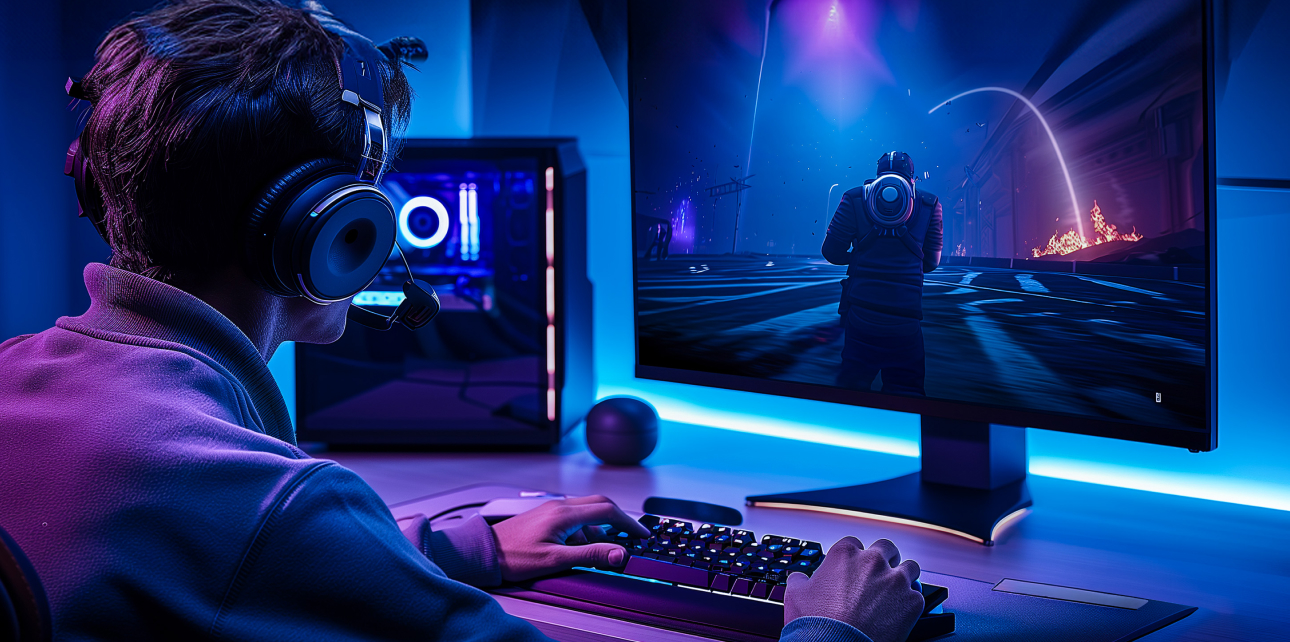
Your gaming PC can perform drastically better, and this guide shows you exactly how to make that happen.
Every gamer wants a smoother, faster, more spectacular experience, whether you’re fragging opponents in Manchester or streaming gameplay from London. A slow rig holds you back. You don’t always have to get a brand new machine. Strategic upgrades transform your existing gaming PC into a powerhouse. Veno Scorp knows that PC gamers demand the best, and the right upgrades deliver exactly that. Let’s break down every upgrade worth your money.
Why Upgrading Your Gaming PC Is Worth Every Penny
Games are getting more demanding each year. Titles like Cyberpunk 2077 and Alan Wake 2 push hardware to its limits. Bottlenecks in your system cause stuttering, low frame rates, and frustratingly long load screens. This leads to stuttering, low frame rates and excruciatingly long load screens.
Upgrading is smarter than replacing. It costs less, wastes fewer components, and gives you targeted performance gains.
How to Identify What’s Holding Your Gaming PC Back
Before you spend a single pound, diagnose your system.
Use free tools like MSI Afterburner or HWiNFO64 to monitor:
- GPU usage: Is it constantly hitting 99%?
- CPU usage: Are you maxing out your processor during gameplay?
- RAM usage: Are you running out of memory?
- Storage speed: Are load times taking forever?
This tells you exactly where to invest.
Top Performance Upgrades for Any Gaming PC Build
The biggest contributor to game performance is the GPU. A better graphics card means higher frame rates, sharper textures, and smoother gameplay.
Top choices in 2024:
| GPU Model | VRAM | Best For |
| NVIDIA RTX 4070 | 12GB | 1440p gaming |
| AMD RX 7800 XT | 16GB | High-resolution gaming |
| NVIDIA RTX 4060 | 8GB | Budget 1080p builds |
Always check your PSU wattage before upgrading your GPU. A powerful card needs adequate power.
Add More RAM for Smoother Multitasking and Gaming
16GB of RAM is the current minimum for modern gaming. Many new titles recommend 32GB
- Upgrade from 8GB to 16GB for immediate gains.
- Switch to DDR5 RAM if your motherboard supports it.
- Make sure your sticks run in dual-channel mode for maximum bandwidth.
RAM upgrades are affordable and offer a noticeable improvement in open-world games.
Switch to an NVMe SSD for Lightning-Fast Load Times
This is the simplest update with the immediate effect. An NVMe SSD loads games up to 10x faster than a traditional hard drive. Games that took 90 seconds to load now open in under 10 seconds.
Recommended NVMe drives:
- Samsung 990 PRO SSD
- WD Black SN850X SSD
- Seagate FireCuda 530 SSD
This upgrade changes everything if you’re still gaming on a spinning hard drive.
Overclocking Your CPU for Extra Processing Power
Overclocking increases your present processor’s performance. It is a free performance if done safely.
Use software like Intel XTU or AMD Ryzen Master to:
- Increase your CPU clock speed gradually.
- Monitor temperatures closely.
- Never exceed the safe voltage limits.
Always pair overclocking with quality cooling. Without it, you risk thermal throttling or worse, hardware damage .
Upgrade Your CPU Cooler for Better Thermal Performance
Heat kills performance. If your CPU gets too hot, it will start throttling itself to protect itself. This results in stuttering and frame drops.
Upgrade options include:
- Air coolers: Noctua NH-D15 air coolers are the gold standard of affordable cooling.
- AIO liquid coolers: 240mm or 360mm radiators keep the temps very low.
A cooled CPU implies sustained high performance, especially during long gaming sessions.
Upgrade to a High-Refresh-Rate Monitor for Competitive Edge
Your hardware upgrades mean nothing if your monitor cannot display the results.
Move from 60Hz to 144Hz or 240Hz for:
- Smoother animations.
- Reduced motion blur.
- A genuine competitive advantage in fast-paced games.
Choose at least a 1ms response time for optimal gaming performance.
The Rise of the White Gaming PC: Style Meets Performance
Aesthetics matter just as much as specs for many gamers. The white gaming PC trend has exploded in popularity across the UK.
A white gaming PC builds a cohesive, clean aesthetic with white cases, RGB lighting, and matching components. Brands like Lian Li, Fractal Design, and NZXT offer stunning white cases that turn heads.
Popular white gaming PC components:
- Lian Li Lancool III White: Spacious and beautifully designed.
- NZXT H9 Flow White: Exceptional airflow with premium looks.
- Corsair iCUE 5000X RGB: Full tempered glass with white RGB panels.
Pair your white case with white GPU shrouds, white RAM sticks, and white cable extensions. The result is a jaw-dropping build that performs as brilliantly as it looks.
Quick Upgrade Priority Table
| Budget | Best Upgrade | Expected Gain |
| Under £100 | NVMe SSD | 10x faster load times |
| £100–£300 | RAM upgrade to 32GB | Smoother multitasking |
| £300–£600 | Mid-range GPU | Higher FPS at 1440p |
| £600+ | High-end GPU + CPU | Maximum gaming performance |
Upgrade Your Setup, Build Your Dream Rig Today!
Do not let outdated hardware hold you back from the gaming experience you deserve. Whether you are chasing competitive glory or building the ultimate white gaming PC, the right upgrades make every session extraordinary.
Veno Scorp offers premium gaming PC components, curated builds, and expert advice tailored to UK gamers. Visit the store today and take your performance to the next level.
Your best gaming session is one upgrade away. Don’t wait.
FAQs
Q1: How much RAM do I need for a modern gaming PC?
Most modern games run best on 16GB of RAM, though 32GB is increasingly recommended for demanding titles and multitasking.
Q2: Is an NVMe SSD really worth the upgrade?
Absolutely. An NVMe SSD dramatically cuts load times and improves overall system responsiveness. It is one of the best value-for-money upgrades available.
Q3: What makes a white gaming PC different from a standard build?
A white gaming PC uses white-coloured cases, components, and cables for a cohesive aesthetic. The performance is identical; it simply looks stunning.
Q4: Can I upgrade my GPU without changing my motherboard?
In most cases, yes. As long as your motherboard has a PCIe slot and your PSU provides enough wattage, a GPU upgrade is straightforward.
Q5: How do I know if my CPU is bottlenecking my gaming PC?
Use monitoring software like HWiNFO64 during gameplay. If your CPU usage is constantly at 95–100% while your GPU sits below 80%, your CPU is likely bottlenecking your system.